

Board
A retro on the board
Hold the whole retro where the work already is. Paste the chart that explains the problem, react to the notes you agree with, and let a timed vote pick what to fix first.
Read in the guide →All releases
Run a retro on the board with pictures, stickers, reactions and votes, plan with your tracker's dates, and bring in to-dos from CalDAV.
Board
Hold the whole retro where the work already is. Paste the chart that explains the problem, react to the notes you agree with, and let a timed vote pick what to fix first.
Read in the guide →Board
Put screenshots next to the tasks they explain: paste with ⌘V, drop files, or press I. A board full of 4K screenshots pans as smoothly as one of sticky notes, because each picture loads only as sharp as you see it.
Board
Press E for about 880 animated emoji. Save any picture on the board as your team’s own sticker, and everyone in the workspace can use it.
Board
See at a glance which notes the team agrees with. React to a note or a card, or to a whole selection at once, and hover a reaction to see who put it.
Read in the guide →Board
Pick what to talk about first in a few minutes. Give everyone a few votes, keep them hidden until the end, and get the notes ranked.
What's inside
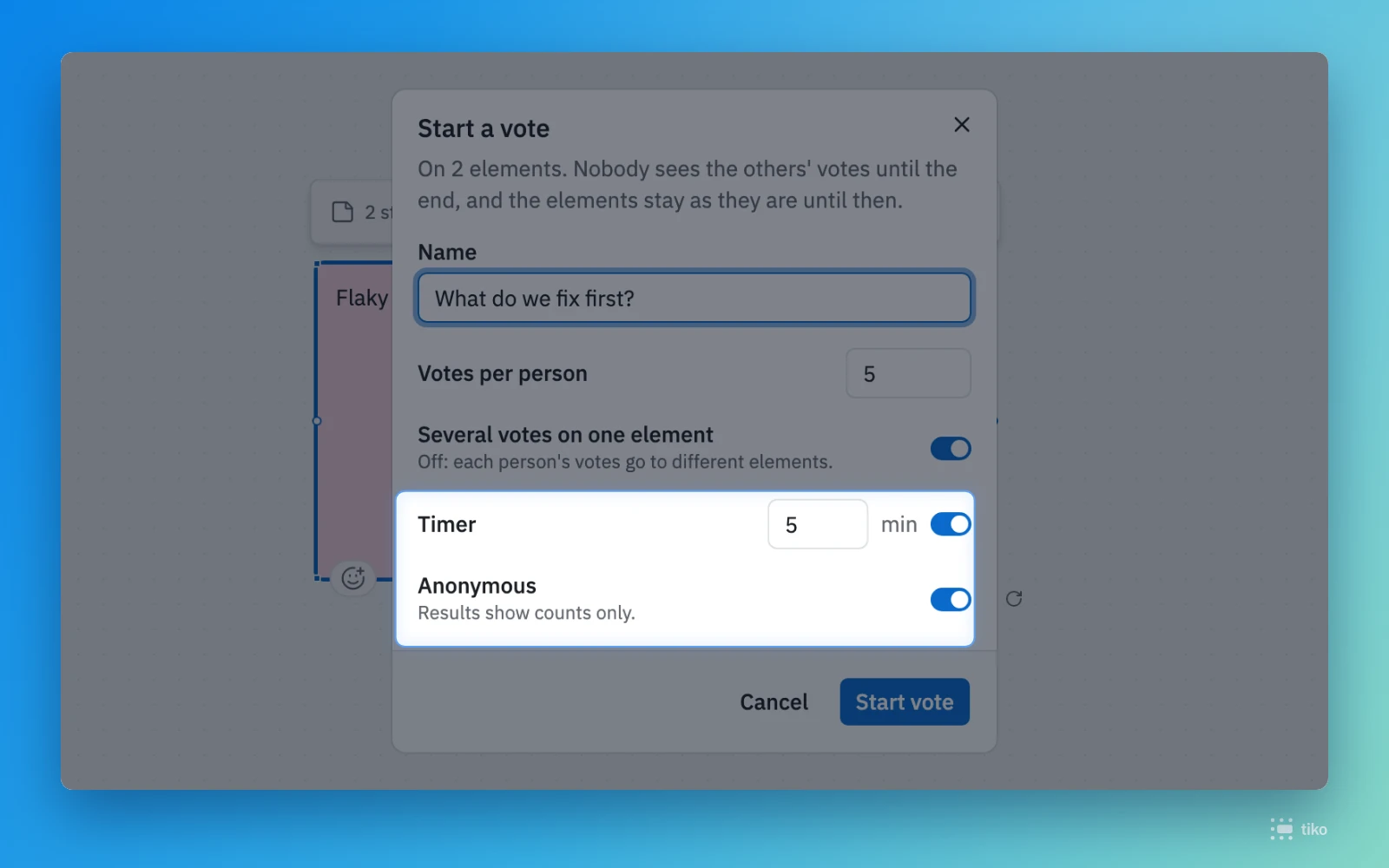
A timer, several votes on one note or not, and anonymous by default.
Board
Turn notes, shapes and text to any angle, with Shift for 15° steps. Arrows stay on the turned sides.
What's inside
Hold Alt as you start a drag, as in Miro and Figma.
The box takes every note it touches, and leaves the frame alone.
Far out, elements turn into colored blocks that keep their arrows, and zooming stays smooth.
Trackers
Your to-dos from Nextcloud, Thunderbird or Apple Reminders sit next to the tracker’s tasks and stay current. Connect your account, pick the lists, and find tasks by their title.
Read in the guide →Trackers
See when a task is due without opening the tracker. Jira tasks show their start and due dates, GitHub issues their milestone’s due date.
What's inside
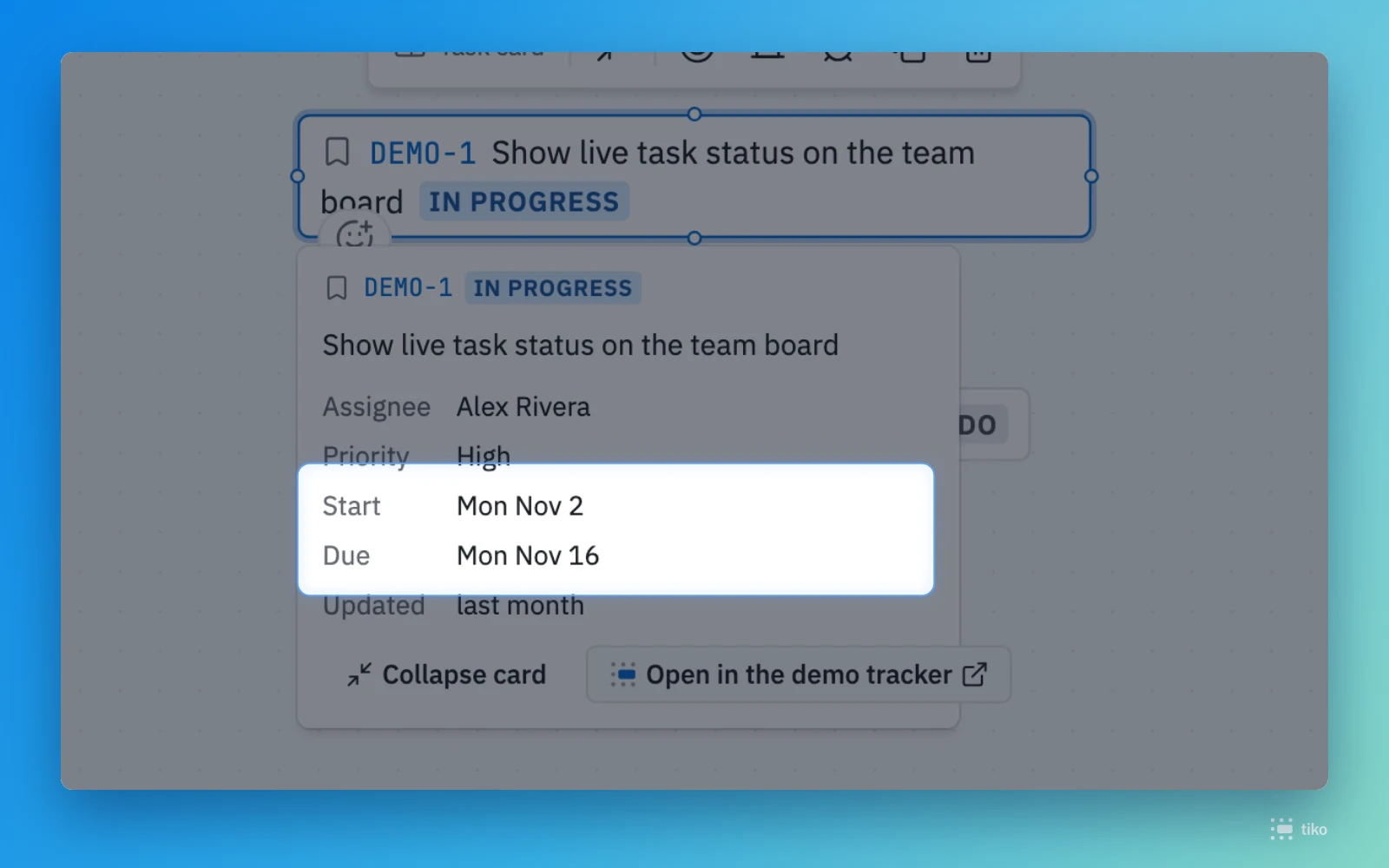
Open a card to see its dates next to the assignee.
Gantt
Plan with the dates your team already keeps. A task lands on its tracker dates and moves when they change there; move it yourself, and a dashed frame keeps showing where the tracker has it.
What's inside
Hold Alt while you move a stage, and the later ones go along.
Collapse all and Expand all at the top of the task column.
Sharing
Share a board in one copy: its own link sits at the top of Share, for everyone who can open it. A teammate who follows it too early sees they have no access yet.
What's inside
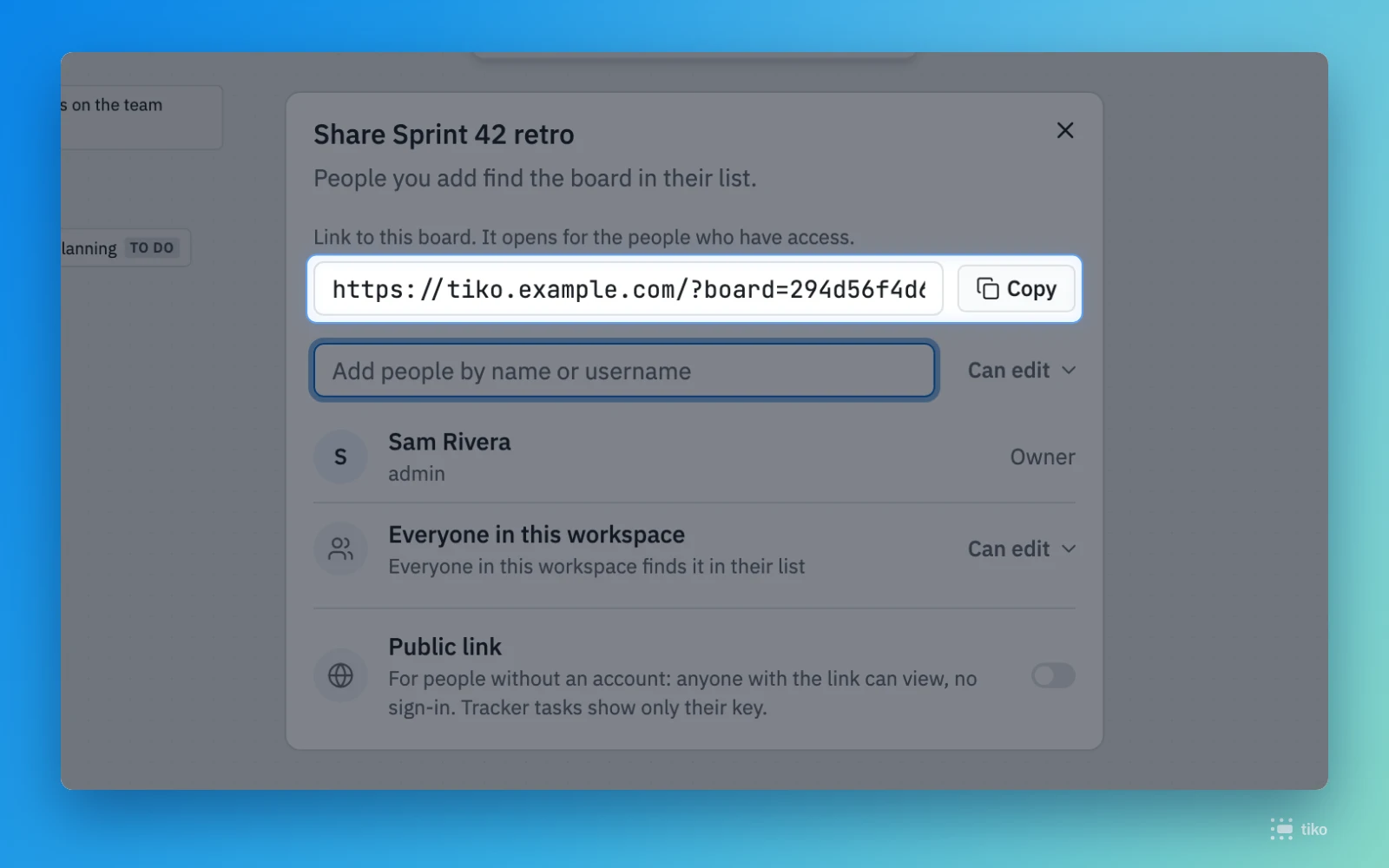
Copy, paste in the team chat, done.